


Quick Check
20 minTarget two successful retrievals. Mistakes get an explanation and a bounded correction path.
Coming next: a little learning before a little scrolling. Choose a quick check or a deeper review, then start your earned time when you’re ready.
Have course notes in Chrome? Bring them with you1Lock
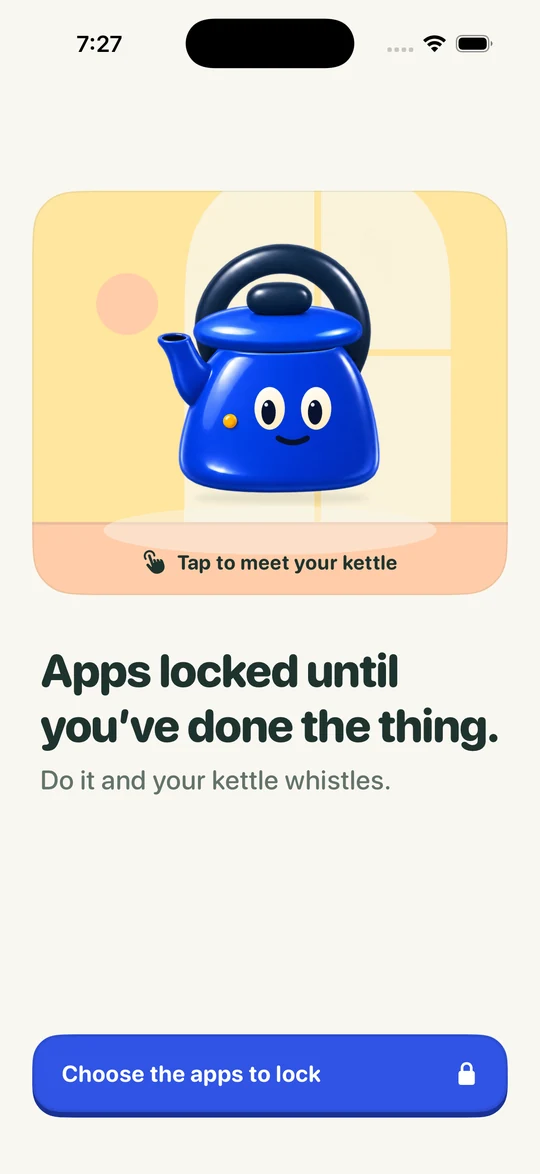
Choose the apps that pull you in. They stay shut until your thing is done.
Uses Screen Time on your iPhone. Unlock for today or switch Focus off whenever you need.
2Do
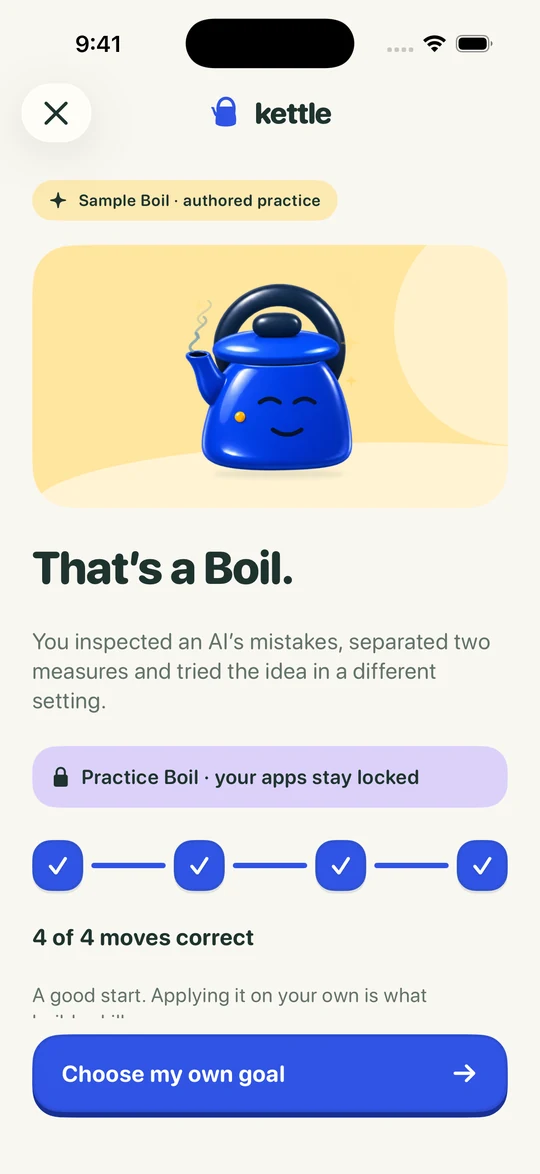
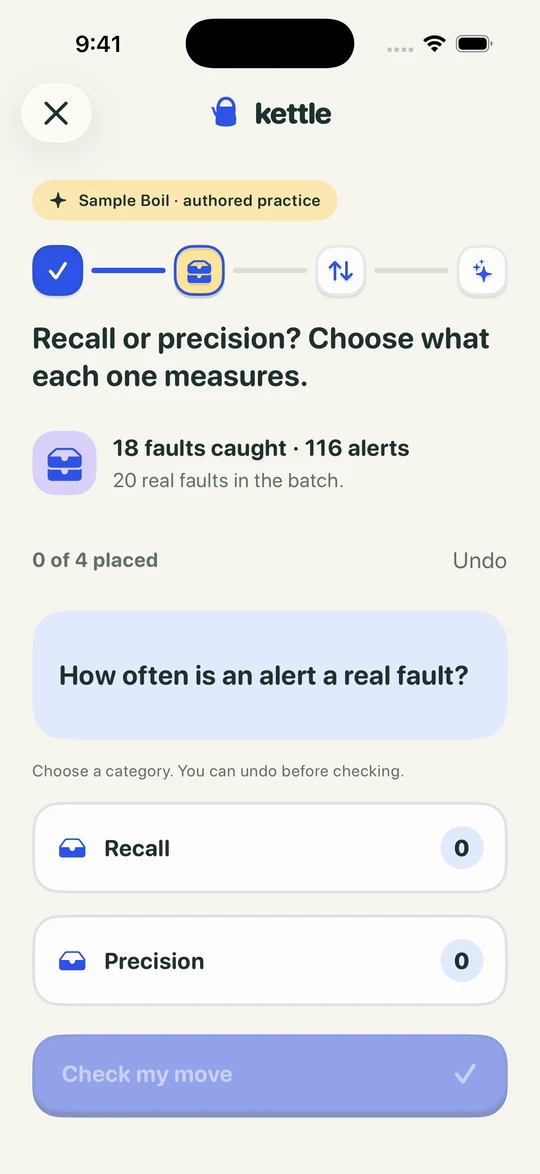
A language, a career skill, a subject you’re studying, or something you’re curious about. See the idea, make a move, then try it somewhere new. Start with a brief preview that fits your goal.
Shown: an authored sample Boil. Practice Boils are for trying Kettle out, so your apps stay locked.
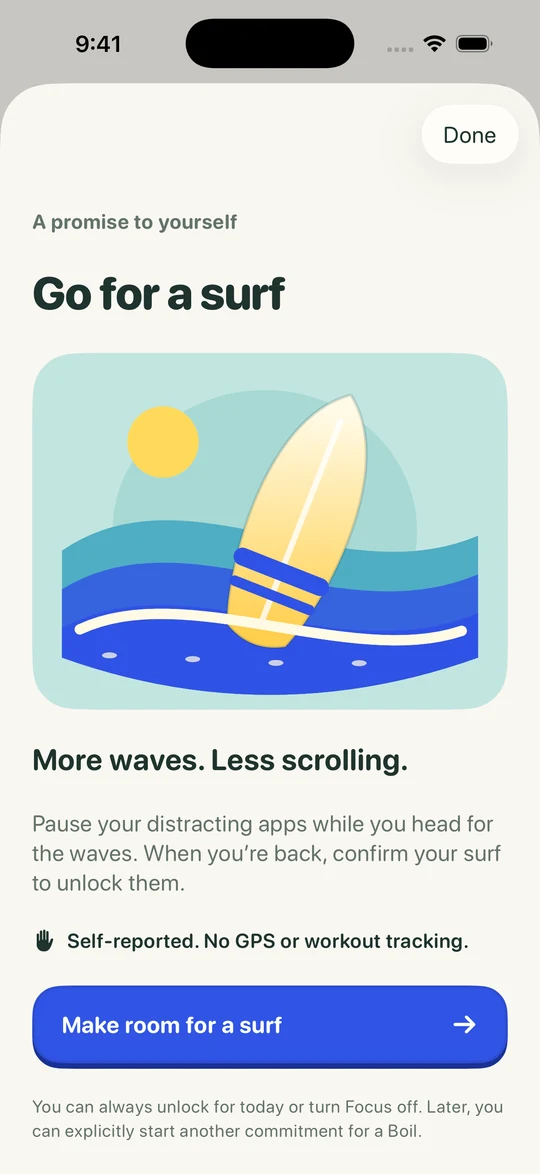
A surf, a walk, the gym. Make the promise, go and do it, then tell Kettle you’re back.
Self-reported. No GPS or workout tracking. Real-life promises are part of Kettle Pro.
3In the next update
A small check when you want a short break. More substantial practice when you want longer.
Target two successful retrievals. Mistakes get an explanation and a bounded correction path.
A bounded review with more substantial practice. A useful step forward, not proof of mastery.
See the requirement before you start. When you earn a window, choose when to activate it. One window at a time; no accumulating balance.
4Keep it warm
Kettle’s warmth follows your week. Miss your thing and it cools down. Do it, and it warms right back up.
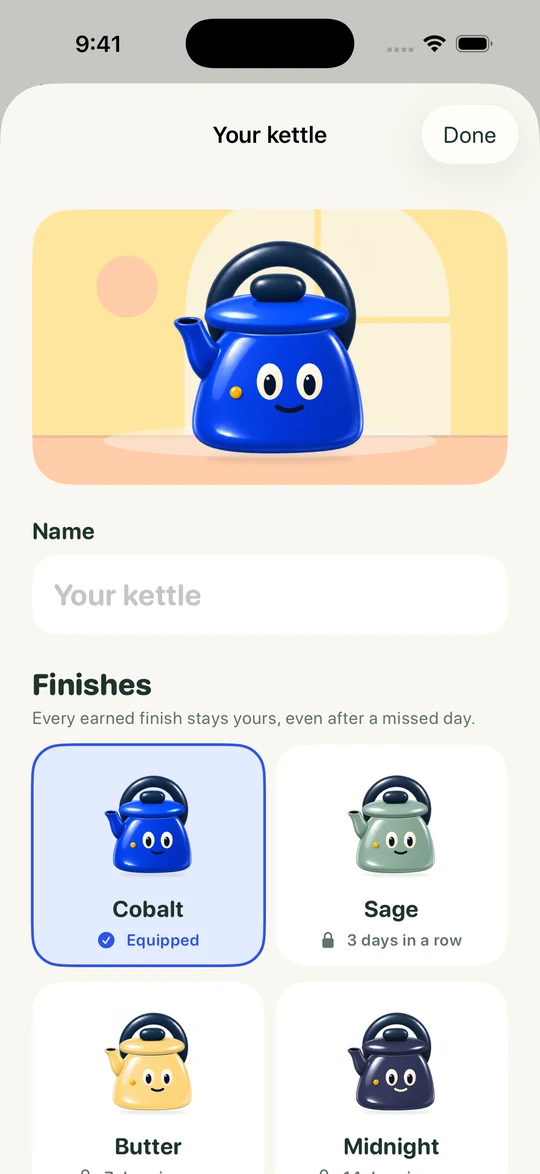
Keep your promises a few days running and your kettle earns a new finish. Once it’s yours, it stays yours, even after a missed day.
Sage 3 days in a row
Butter 7 days in a row
Midnight 14 days in a row
The next update will start with a brief learning preview relevant to your goal, followed by a subscription for ongoing use. Kettle shows the current local price, billing period and any trial you’re eligible for before you decide. Existing purchases can be restored in the app.
A short practice session on something you want to get better at. You see an idea, make a move with it, then try it in a new situation. Kettle uses AI to build each Boil, so double-check anything important.
Always. Switch blocking off for free whenever you need, including after a subscription ends. An override doesn’t count as completed learning or earn a window.
No. Real-life promises are self-reported: no GPS and no workout tracking. Kettle takes your word for it.
No. Bring a personal learning goal, a language or something for your career. If you have coursework, the optional Chrome extension brings your chosen subjects and materials to iPhone. Real-life commitments, such as a walk or workout, remain part of Kettle too.
Kettle is built for iPhone, iOS 18 or later, with an initial release in Australia. Check current availability. Coursework connections use desktop Chrome.